
Grocery App in Pakistan: Best Options for Online Shopping
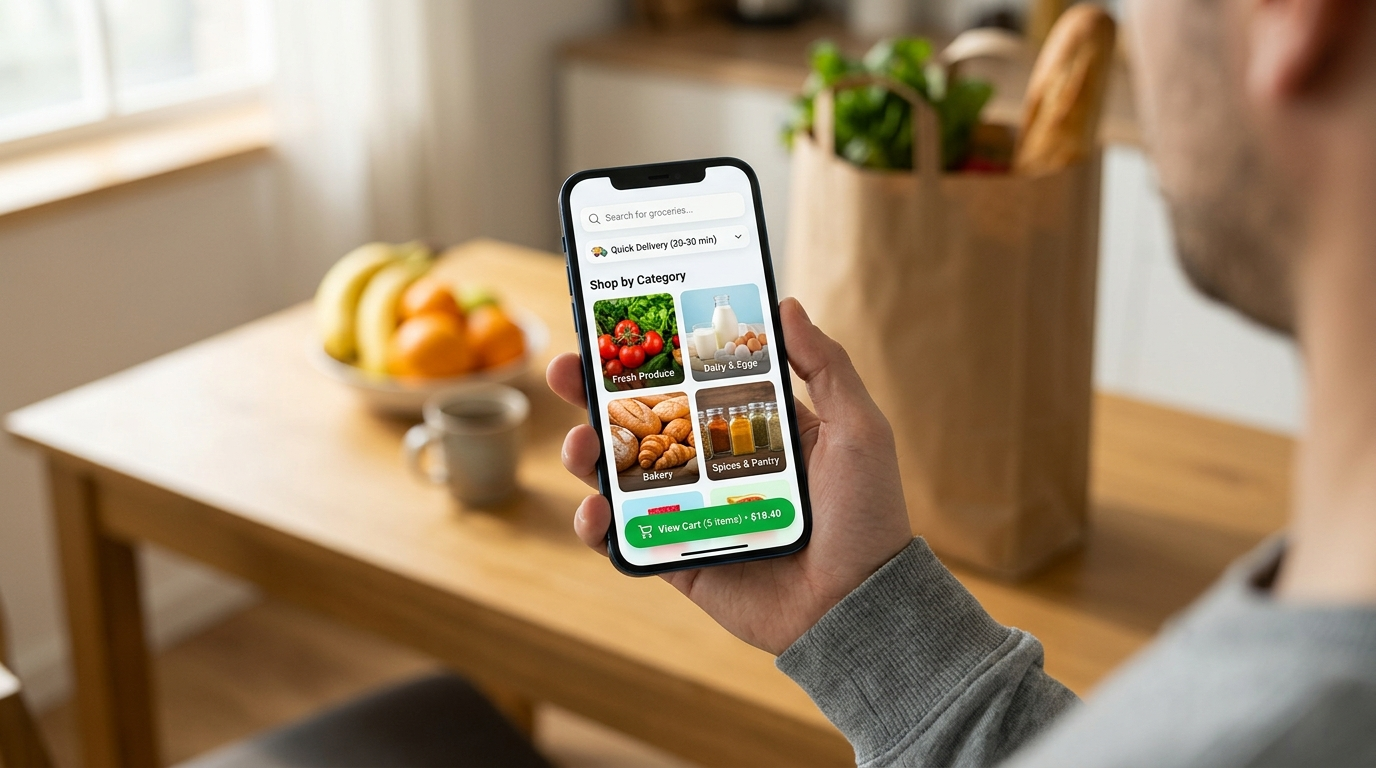
Buying groceries online can save a trip to the market, especially when you need household essentials, packaged food, drinks, or cleaning products. A grocery app lets you check products on your phone, compare prices, and place an order without visiting a shop. However, the right choice depends on your city, delivery area, budget, and the items you need.
If you are looking for a grocery app in Pakistan, it is worth comparing more than the advertised discounts. Delivery charges, product availability, payment methods, and the final checkout total can make a real difference to your shopping experience.
Which Grocery Apps Can You Use in Pakistan?
Several services offer online grocery shopping in Pakistan. Their available products and delivery areas can differ, so check the latest details in the app or on the service’s website before placing an order.
1. GrocerApp
GrocerApp is an online grocery delivery service with a mobile app. Its listed product categories include groceries, fresh produce, dairy, meat, household essentials, and personal care items. Its website provides information about delivery options and app features.
It may be worth checking if you want to order a range of everyday household products through one platform. Confirm that the service covers your address and check the final order total before paying.
Website: Grocerapp
2. foodpanda Shops and pandamart
foodpanda offers grocery shopping through its Shops section, including pandamart. Customers can enter their address to see available shops and products in their area.
This option may suit people who need everyday essentials or want to compare nearby shops within one app. Delivery time, product selection, fees, and minimum order requirements can vary by shop and location.
Website: FoodPanda
3. Carrefour Pakistan
Carrefour Pakistan offers online shopping through its website and provides access to its app. Its online store includes grocery categories such as fresh food, fruit and vegetables, beverages, and food cupboard items.
This can be an option for shoppers who prefer browsing a supermarket’s online catalogue. Check the delivery options shown for your address, because available products and delivery arrangements may differ by area.
Website: Carrefour
Important: This is a selection of online grocery services, not a verified ranking from best to worst. App features, fees, and coverage can change. Check each service’s current terms before ordering.
Grocery App Comparison: What Should You Check?
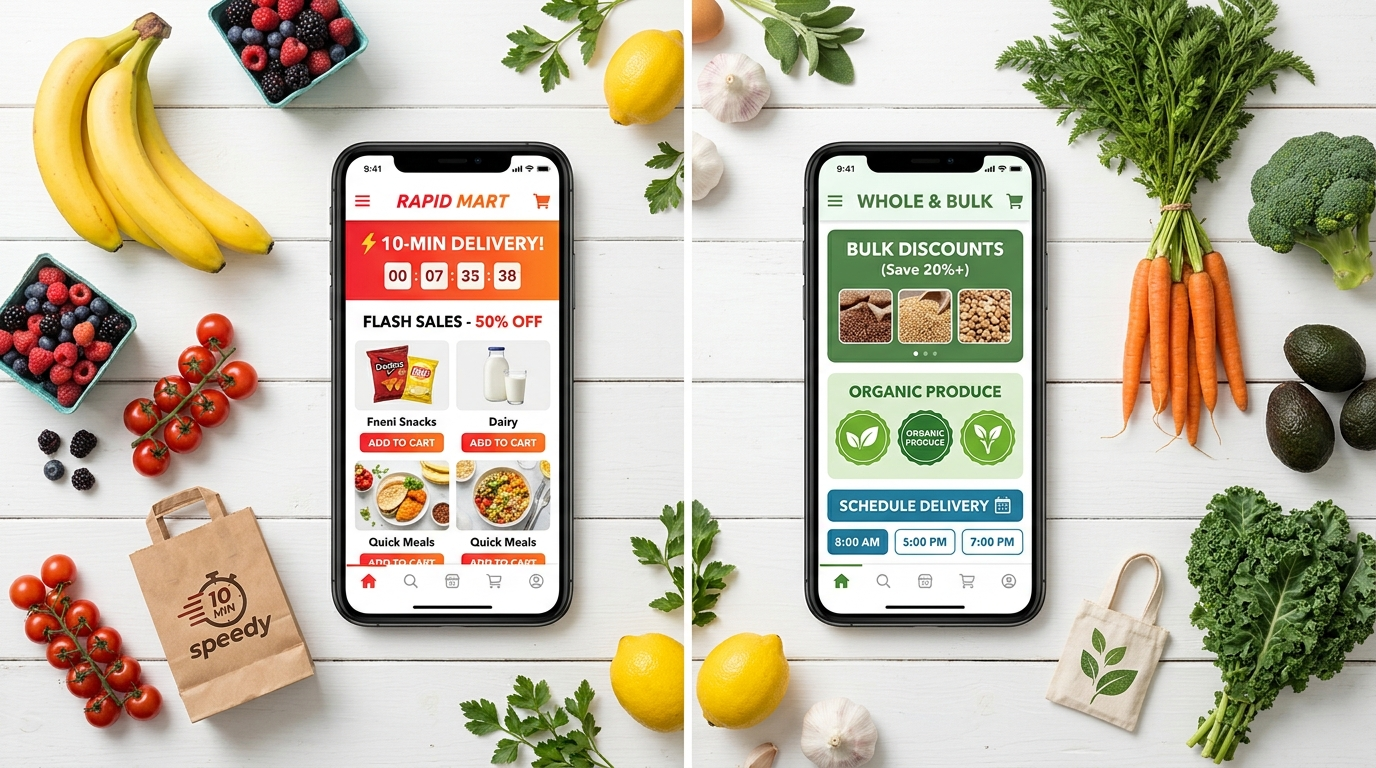
The most useful grocery app is not necessarily the one advertising the biggest discount. Compare the points below before choosing a service.
| What to compare | Why it matters |
|---|---|
| Delivery area | An app is only useful if it serves your address. |
| Product range | Check whether it stocks your regular groceries and household essentials. |
| Product prices | Compare the same brand, pack size and quantity. |
| Delivery charges | Add the fee to your shopping total. |
| Minimum order | A low-value order may not qualify for delivery. |
| Payment methods | Check whether cash on delivery, card or a supported digital payment option is available. |
| Delivery time | Review the time slot or estimate shown at checkout. |
| Refund and replacement policy | Understand what happens if an item is missing, damaged or unavailable. |
How to compare the real cost
Suppose you are buying flour, cooking oil, tea, milk, and detergent. Add the prices of the same products in each app, then include delivery charges and any applicable fees. Apply a discount only after checking its conditions.
This gives you a more realistic comparison than looking at a single discounted product. A voucher may not save money if the order requires extra items you did not plan to buy.
How to Choose a Grocery App for Your City
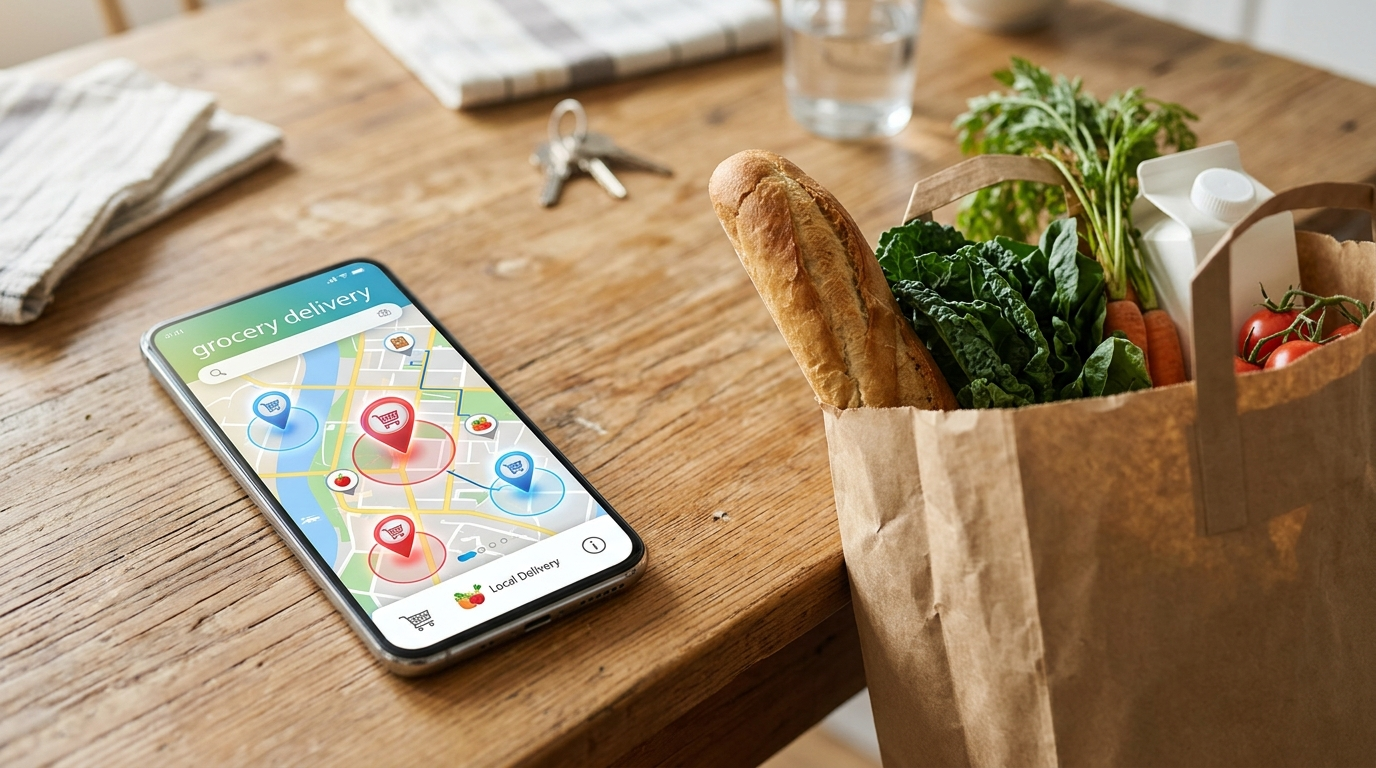
Delivery coverage should be one of your first checks. An app may operate in a city but still have limited coverage within that city.
For Lahore: Enter your complete address and check which services deliver to your neighbourhood. Compare product availability and delivery fees before preparing a large monthly order.
For Karachi: Check the delivery area carefully, particularly if you live in a locality far from the service’s available stores or fulfilment locations. Do not assume every app covers the whole city.
For Islamabad and Rawalpindi: Confirm your sector or neighbourhood in the app. Available stores and delivery slots may differ between nearby areas.
For other cities: Check the service’s current coverage rather than relying on an old advertisement or an outdated app list.
You can also use Grocer.pk’s grocery store listings to look for local shops. If you prefer supermarkets, browse the supermarket directory. These directories can help you identify nearby shopping options, although individual stores may have different ordering and delivery arrangements.
Is an Online Grocery App Better Than a Local Shop?
That depends on what you are buying.
A grocery app can be convenient when you want to order several items from home, review a digital catalogue, or schedule delivery where available. It can also make it easier to check prices before completing an order.
A local grocery shop may be more practical when you need one or two items immediately, want to inspect fresh produce yourself or prefer speaking directly to the shopkeeper. Local shops may also have different prices and stock from those shown on online platforms.
For a large household purchase, compare the total cost of app delivery with the cost of buying from a nearby supermarket or kiryana store. For a small urgent purchase, the delivery fee may outweigh the convenience.
Tips for Saving Money When Shopping Through an App
- Prepare a list first. Write down your essential items before opening the app so promotions do not encourage unnecessary purchases.
- Compare pack sizes. A larger pack is not automatically better value. Compare the price per kilogram, litre or unit.
- Check the final bill. Review delivery fees, minimum-order conditions and other charges before confirming.
- Use offers carefully. Read voucher conditions, expiry dates and minimum-spend requirements.
- Review substitutions. If an item is unavailable, check whether the app allows you to approve or reject a replacement.
- Keep your monthly budget in view. Separate essential food items from snacks, convenience products, and non-food purchases.
For a more organised shopping routine, use Grocer.pk’s complete grocery items list for Pakistan when preparing your household list. You can also read the grocery budget guide to plan spending before ordering.
How to Place Your First Grocery Order
The exact steps vary by service, but the process usually follows this pattern:
- Download the app from its official app-store listing or open the provider’s official website.
- Enter your delivery address to check coverage.
- Browse the available grocery categories and add the items you need.
- Review product sizes, quantities, and prices in your basket.
- Check delivery charges, any minimum-order requirement, and the estimated delivery time.
- Select an available payment method and confirm the order.
- Keep the order confirmation so you can check its status or contact customer support if needed.
Before using a new service, review its return, refund, and cancellation terms. Do not assume every app follows the same policy.
Frequently Asked Questions About Grocery Apps
What is a grocery app?
A grocery app is a mobile application that allows users to browse grocery products, check prices, and place orders online. Depending on the service, groceries may be delivered from a supermarket, a local shop, or the provider’s own fulfilment location.
Which grocery app is best in Pakistan?
There is no single best option for every shopper. Compare the apps that serve your address, then consider product range, total cost, delivery availability, payment options and customer support.
Can I order groceries online in Pakistan?
Yes. Services such as GrocerApp, foodpanda Shops, and Carrefour Pakistan provide online grocery-shopping options. Availability depends on the service, address, and current operating arrangements.
How can I find a grocery app that delivers to my area?
Enter your complete address in the app or on the provider’s website. Check the available shops, delivery slots, and fees before adding items to your basket.
Is ordering groceries through an app cheaper than shopping in a store?
Not always. Online prices, promotions, and delivery fees vary. Compare the same products and quantities, including all applicable charges, before deciding which option costs less.
Can I find local grocery stores without using a delivery app?
Yes. You can browse grocery stores and supermarkets listed on Grocer.pk. Contact an individual store to confirm whether it accepts online orders or provides home delivery.
Final Thoughts
A grocery app can make routine shopping easier, but the best choice depends on where you live and what you need to buy. Check delivery coverage first, compare the full bill rather than one advertised price, and review the provider’s policies before ordering.
If you prefer to shop locally or want to identify supermarkets and grocery shops near you, Grocer.pk’s store directories provide another starting point for planning your next grocery trip.
Syed Abdul Manan is an SEO expert and WordPress specialist with over 10 years of experience in search engine optimization and WordPress development. He holds a Bachelor of Science in Computer Science (BSCS) and is the Founder & CEO of Grocer.pk, a searchable directory of grocery stores, supermarkets, kiryana shops, and online grocery businesses across Pakistan.
With a technical foundation in computer science, he has spent the past decade working on technical SEO, on-page optimization, content strategy, and building fast, well-structured WordPress websites. For more than six years, he has been developing and managing Grocer.pk, which now covers major cities including Lahore, Karachi, Islamabad and Faisalabad, helping people find nearby stores by city, area and category, along with locations, contact details and map links.
Syed Abdul Manan runs Grocer.pk with a professional, quality-focused approach, combining clean site architecture, structured listings and practical grocery guides to serve both shoppers and business owners. His goal is to help local businesses build a stronger online presence and to help users find reliable local information quickly.
Connect with him on LinkedIn.